
Support center
We're Here to
Keep You Connected
Need help with your eSIM? Get instant support, find answers or contact our team. We're here 24/7 to assist you on your journey.

Installation Guide
Step-by-step instructions for iOS and Android
View Guide →Activation Help
Learn how to activate your eSIM
Get Help →Check Usage
Track your data usage and validity
View Instructions →Top Up & Extend
Learn how to top up or extend your plan
Read More →Payments & Refunds
Information about payments and refunds
View Policy →Contact Support
Still need help? Our team is here 24/7
Contact Us →Help articles
Browse Our Knowledge Base
Find detailed guides and helpful articles to get the most out of your eSIM.
Frequently asked questions
Common Questions
Yes. Installing the eSIM profile needs Wi-Fi or mobile data, so we recommend installing at home or at the hotel before you need it.
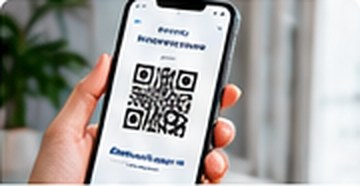
Usually less than five minutes. Scan the QR code from your email or account, follow the prompts, and set the new line as your data line.
No. Each eSIM can be installed on one device only, and most eSIMs can be installed only once. Do not delete it from your phone until your trip is over.
Yes, for plans that support it. Open the eSIM in your account and tap Top Up to add more data without installing a new eSIM.
Unused eSIMs that have not been installed can be refunded within 30 days of purchase. If an eSIM has technical issues we cannot fix, we will refund or replace it. See our Refund Policy for details.
Still need help?
Contact Our Support Team
Can't find the answer? Send us a message and our support team will get back to you as soon as possible.
Other ways to reach us
Support Hours
24 Hours / 7 Days a Week